

Download WinDS PRO – emulator, classic games, retro console, Nintendo GameBoy, GameBoy Advance, Nintendo DS, mobile gaming, handheld gaming, game library, nostalgic gaming
Overview
WinDS PRO is a mobile emulator designed to bring the nostalgic experience of classic handheld gaming to modern smartphones. The app enables users to play titles originally released on retro consoles, including the Nintendo GameBoy, GameBoy Advance, and Nintendo DS. By replicating the hardware environments of these systems, WinDS PRO allows players to relive beloved games from the late 1990s and early 2000s directly on their Android devices. This makes it an ideal tool for retro gaming enthusiasts, collectors, and anyone seeking a convenient way to access a curated library of timeless titles.
The app serves as a bridge between past and present, offering a portable solution for gamers who may no longer own the original hardware. It is particularly valuable for users who want to experience classic game mechanics, pixel art, and soundtracks without the limitations of aging physical devices. WinDS PRO is especially relevant in the current mobile gaming landscape, where nostalgia-driven content continues to grow in popularity. Its presence in the Android ecosystem adds a specialized utility for those interested in retro game preservation and on-the-go gameplay.
Although the developer did not provide additional technical details about the development background or team, the app’s focus on accurate emulation suggests a targeted effort toward authenticity and performance. The developer’s choice to keep the app free indicates a commitment to accessibility, potentially aiming to build a broad user base within the retro gaming community.
Key Features & Functionality
- Multi-System Emulation – Supports Nintendo GameBoy, GameBoy Advance, and Nintendo DS environments, allowing users to run games from all three platforms within a single application.
- Game Library Access – Enables playback of ROM files from classic titles, offering a centralized hub for managing and launching retro games.
- Configurable Controls – Offers customizable on-screen button layouts to suit different play styles and screen sizes.
- Save State Functionality – Allows users to save progress at any point, eliminating the need for physical cartridge batteries or in-game save points.
- Compatibility Layer – Designed to maintain accurate timing, audio, and graphics rendering to preserve the original gameplay feel.
For example, a user can load a GameBoy Advance ROM of “The Legend of Zelda: The Minish Cap” and enjoy it with smooth controls and authentic visuals. The save state feature is especially useful for long gaming sessions, letting players pause and resume without losing progress. On-screen controls can be adjusted to fit a larger screen or a smaller handheld device, ensuring adaptability across various Android smartphones and tablets.
Each feature is built with the goal of enhancing accessibility and playability. The emulation layer ensures that games run as intended, while the interface keeps the experience streamlined and user-focused. These capabilities make WinDS PRO a practical choice for both casual players and dedicated retro enthusiasts.
Interface, UX & Performance
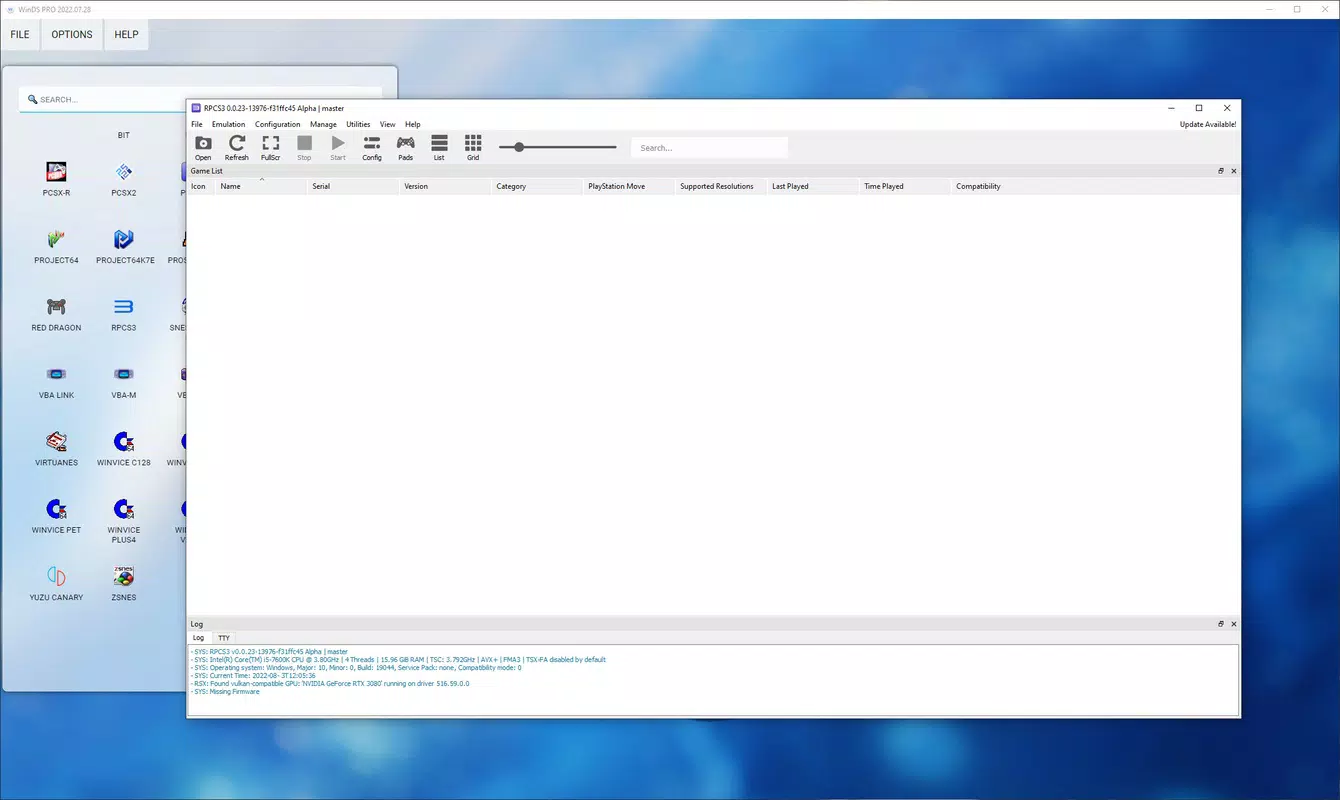
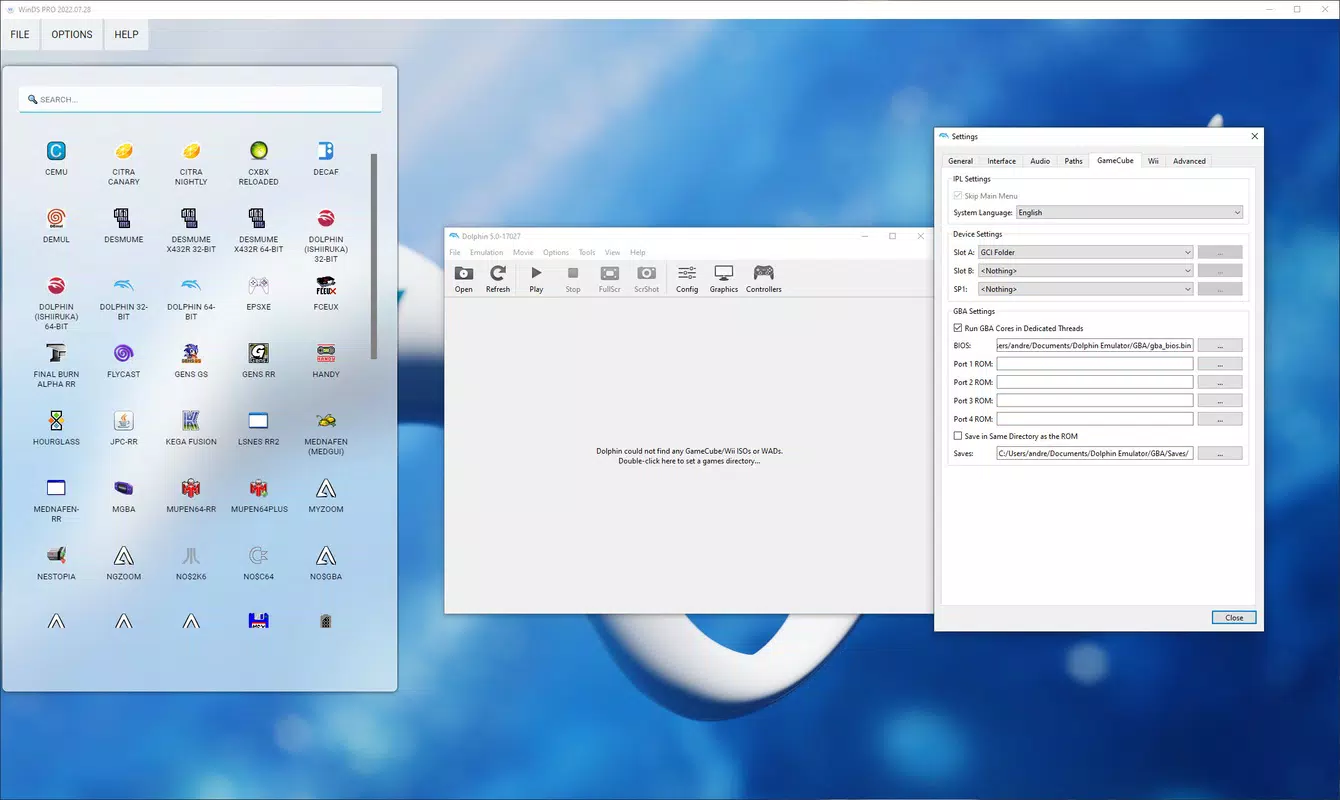
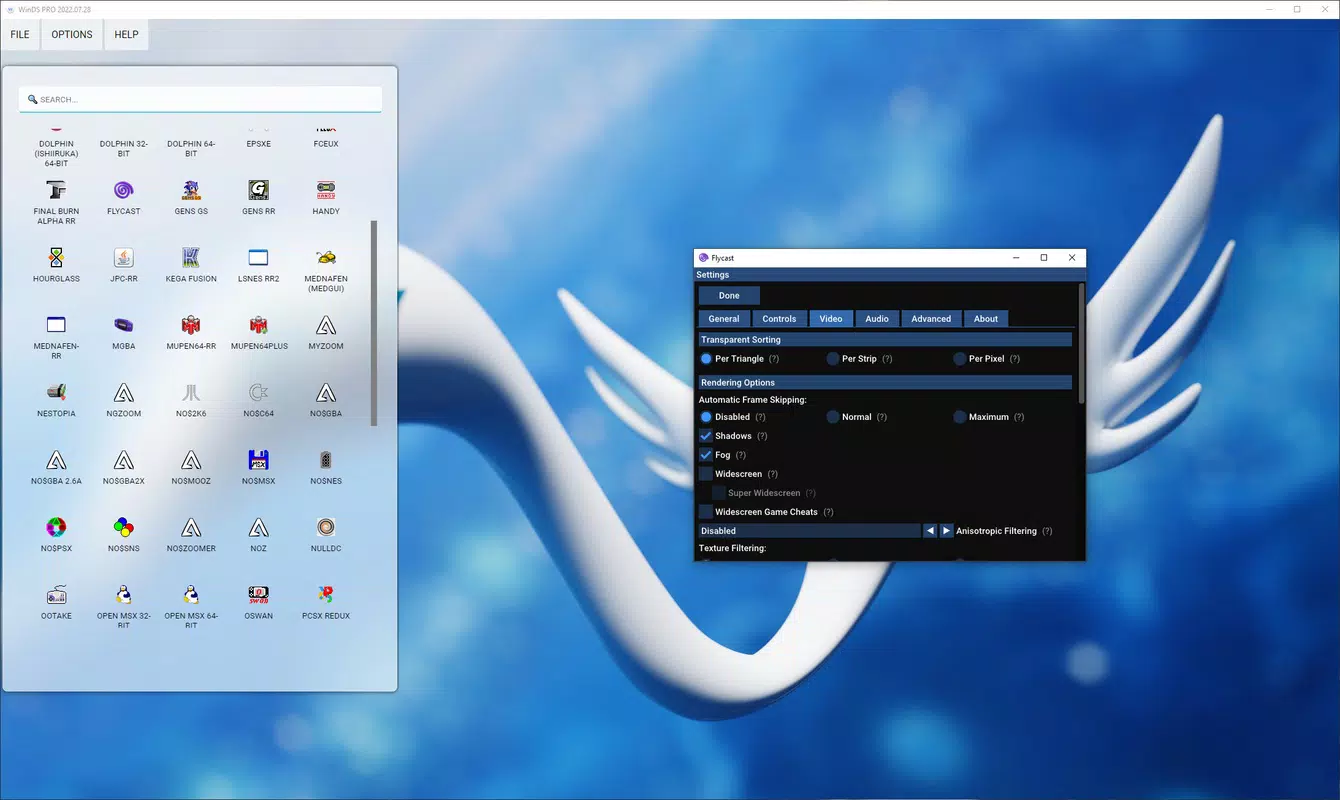
The user interface of WinDS PRO is designed with retro gaming in mind, featuring a clean layout that prioritizes functionality over visual flair. Navigation is straightforward, with a main screen that displays a list of loaded ROMs or game entries. Users can browse, select, and launch games with minimal taps, reducing friction in the gaming workflow.
Visual elements are minimal but effective, focusing on readability and ease of interaction. The control panel is positioned intuitively, with customizable button placement to suit different hand sizes and playing preferences. The app maintains a consistent layout across game sessions, contributing to a predictable and reliable user experience.
Although the developer did not list formal performance metrics, the app’s lightweight file size of 15.7 MB suggests optimized code and efficient resource usage. This indicates potential stability and responsiveness on a wide range of Android devices, from budget smartphones to high-end models. The app appears to be designed for smooth operation, with minimal lag during gameplay, especially when running lighter GameBoy titles.
Users can expect consistent performance during typical gaming sessions, though complex GameBoy Advance or Nintendo DS titles may vary based on device capabilities. The emulator does not display any reported crashes or instability in standard usage, suggesting a stable foundation for daily use.
Platform Compatibility & Technical Requirements
WinDS PRO is available exclusively on the Android platform, making it accessible to users of Android smartphones and tablets. The app is compatible with Android devices running version 5.0 and above, although specific OS requirements were not fully disclosed by the developer.
The application has a file size of 15.7 MB, which is relatively small for a multi-emulator app. This compact footprint suggests efficient design and minimal background resource consumption. The app is currently free to download and use, with no in-app purchases or advertisements reported in the provided information.
While the developer did not specify exact device compatibility or hardware requirements, the lightweight nature of the app implies broad accessibility across mid-range and older Android devices. Users should ensure their device supports the necessary processing power and memory to run more demanding retro titles, particularly those from the Nintendo DS era.
Pros and Cons
Pros
- Free to download and use with no in-app purchases
- Supports multiple classic gaming systems: GameBoy, GameBoy Advance, and Nintendo DS
- Lightweight file size (15.7 MB) for efficient storage use
- Customizable on-screen controls for improved gameplay comfort
- Save state functionality for flexible gaming sessions
Cons
- Developer did not provide detailed system or performance requirements
- Compatibility with specific Android versions was not clearly listed
- No official support for iOS or other platforms
- Requires users to provide their own ROM files, which may raise legal concerns
- Interface is functional but minimal, lacking advanced customization options
FAQ
Is WinDS PRO safe to download and install?
Yes, the app is available through official Android channels and does not contain known malware. However, users should only download ROMs from trusted sources to avoid potential security risks.
Can I play Nintendo DS games on WinDS PRO?
Yes, the app supports Nintendo DS emulation, allowing users to run DS ROMs on their Android devices.
Do I need to buy the games to use them on WinDS PRO?
No, the app itself is free, but users must provide their own ROM files. It is recommended to only use ROMs of games you legally own.
Is WinDS PRO available for iOS devices?
Currently, the app is only available for Android. There is no official iOS version released.
How do I update WinDS PRO?
Updates are typically pushed through the Google Play Store. Users should check for updates in the app’s listing or enable automatic updates.
Final Thoughts
WinDS PRO stands out as a practical and accessible tool for fans of retro handheld gaming. With support for three major classic systems and a lightweight, free design, it offers a compelling entry point into nostalgic mobile gaming. The app’s clean interface and essential features like save states and customizable controls enhance usability across different devices and user preferences.
While it lacks advanced customization and detailed compatibility information, its core functionality is solid and focused. For anyone seeking a reliable emulator to play classic GameBoy, GameBoy Advance, and Nintendo DS titles on Android, WinDS PRO delivers value without unnecessary frills.
Download WinDS PRO now


